See where
your disk went.

A treemap of your whole Mac, built for developers. Find the 40 GB of DerivedData, clear it, and undo if you change your mind.

Download for macOS Free · macOS 14+ · auto-updates
Move the lens
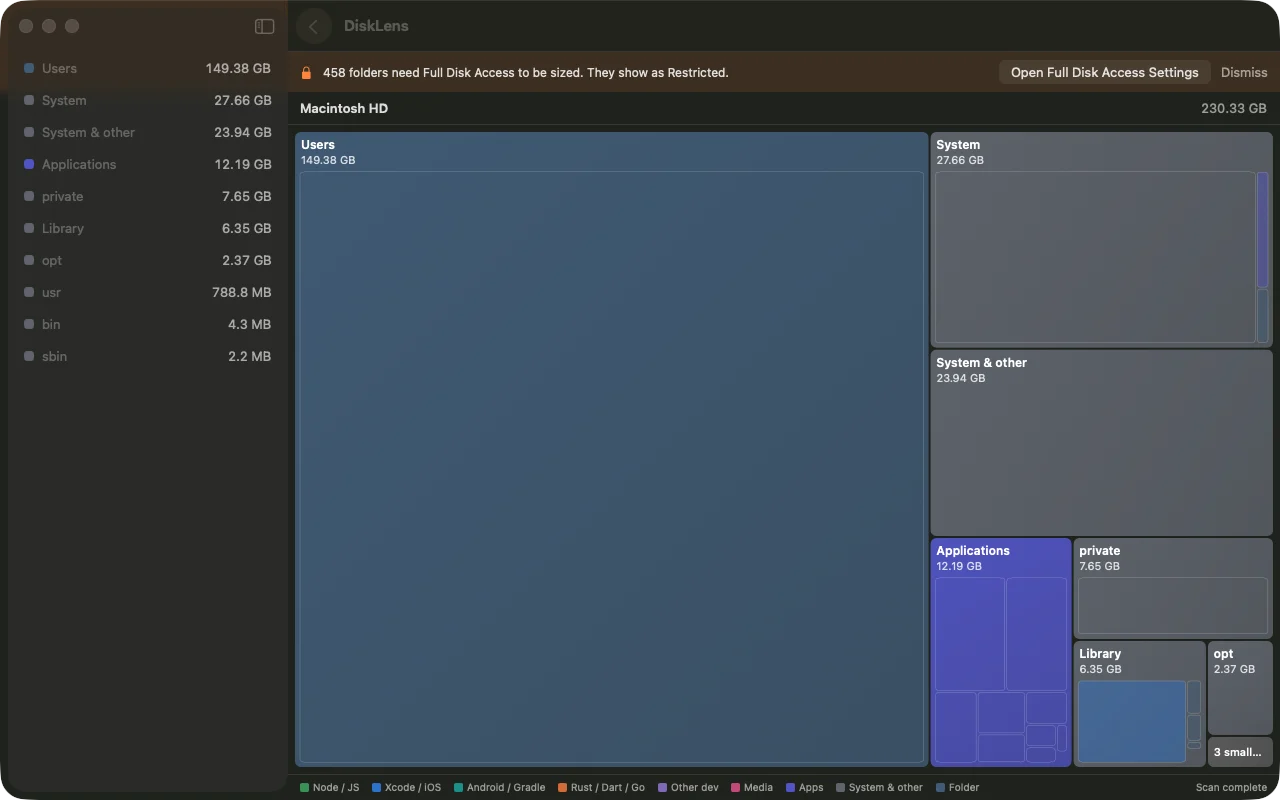
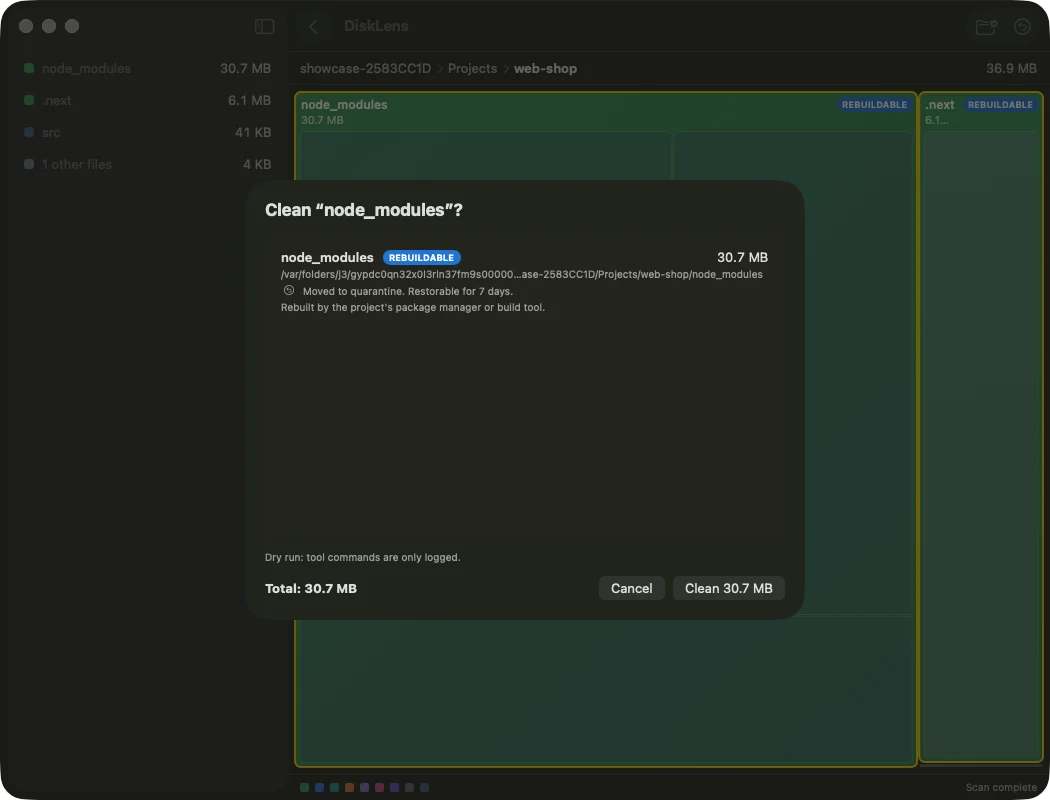
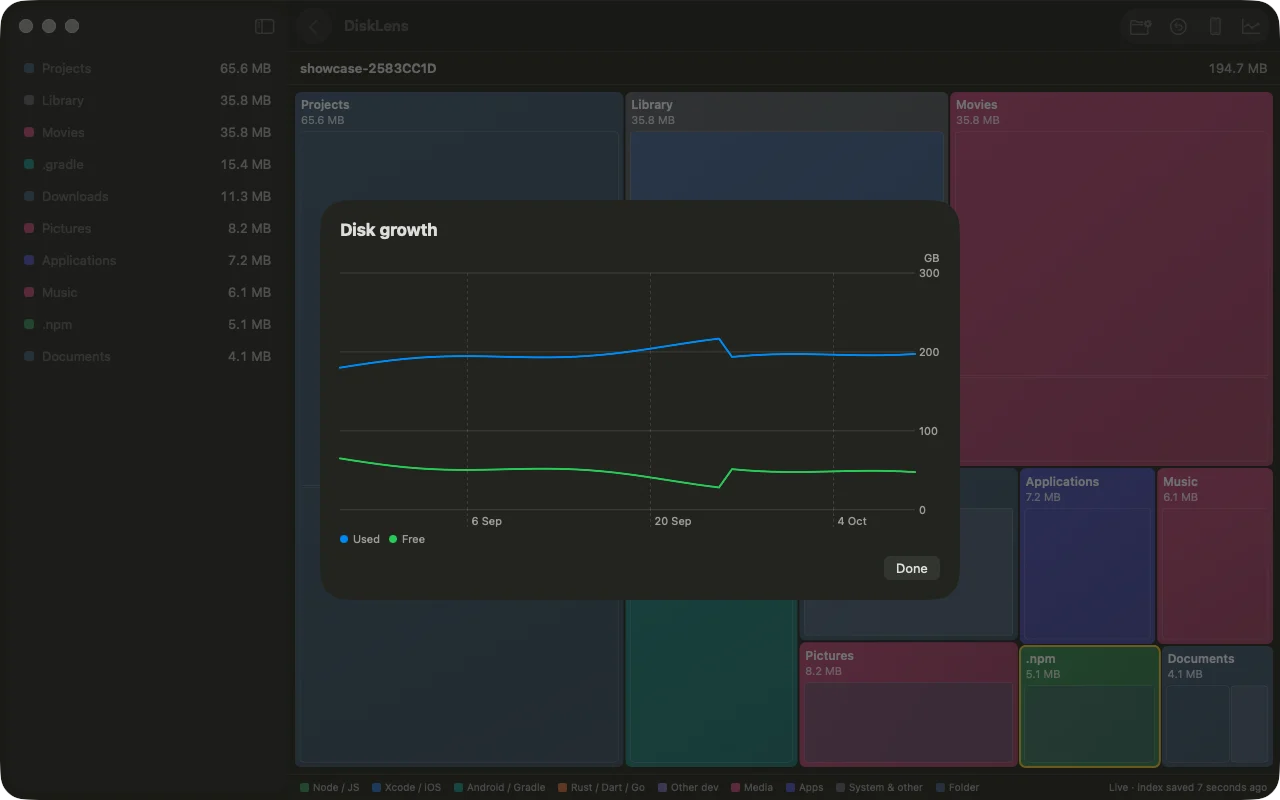
DiskLens treemap of a 230 GB disk Clean confirmation sheet listing what will be removed Growth timeline of disk usage
  1. Everything, in one map.

    Every folder is a box sized by what it really takes. First boxes appear in under a second; a million files in about twelve.

  2. Confirm before it goes.

    Each cleanup rule shows exactly what it removes and how much it frees. Nothing runs until you say so.

  3. Watch what grows.

    A timeline shows which folders ballooned this week, so the next surprise is not a full disk.

Careful by default.

No root, ever.
It never asks for sudo and never touches your source files.
Undo window.
Cleaned items wait in quarantine. Restore any of them with one click.
Knows dev junk.
DerivedData, simulators, node_modules, Gradle, Pods, Cargo, Docker and more, each with its own rule.
Stays current.
Live updates from FSEvents. A menu bar readout keeps your free space in sight.

Find the weight.

Download DiskLens

To size protected folders, add DiskLens under System Settings → Privacy & Security → Full Disk Access, then relaunch.